
열 관리 · 기술 해설
Electrical Cabinet Heat-Load Data Collection Checklist
An electrical cabinet heat-load checklist should start with the equipment that produces heat and the environment into which that heat must be rejected. Cooling hardware cannot be selected reliably from enclosure dimensions or a single ambient-temperature label. The designer needs an inventory of losses, operating schedules, cabinet construction, solar and room conditions, and any limits imposed by the installed components.
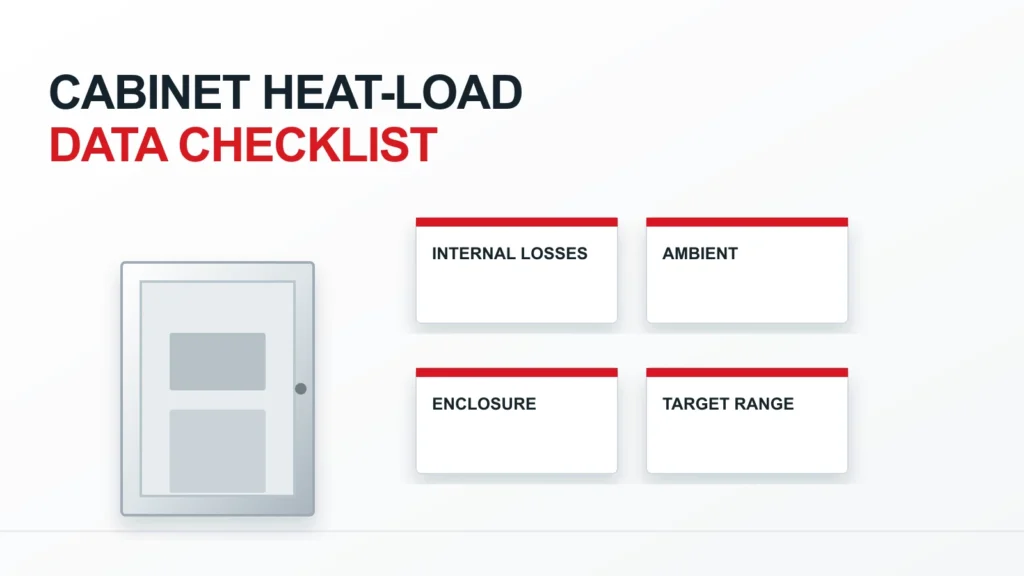
This article provides a data-collection structure for panel builders and buyers. It does not calculate a cooling capacity, endorse one cooling method or claim a particular RITOKS fan, air conditioner or heater will meet a project load. Values should come from exact device documentation, project measurements and the responsible thermal design.
The Data Set in One View
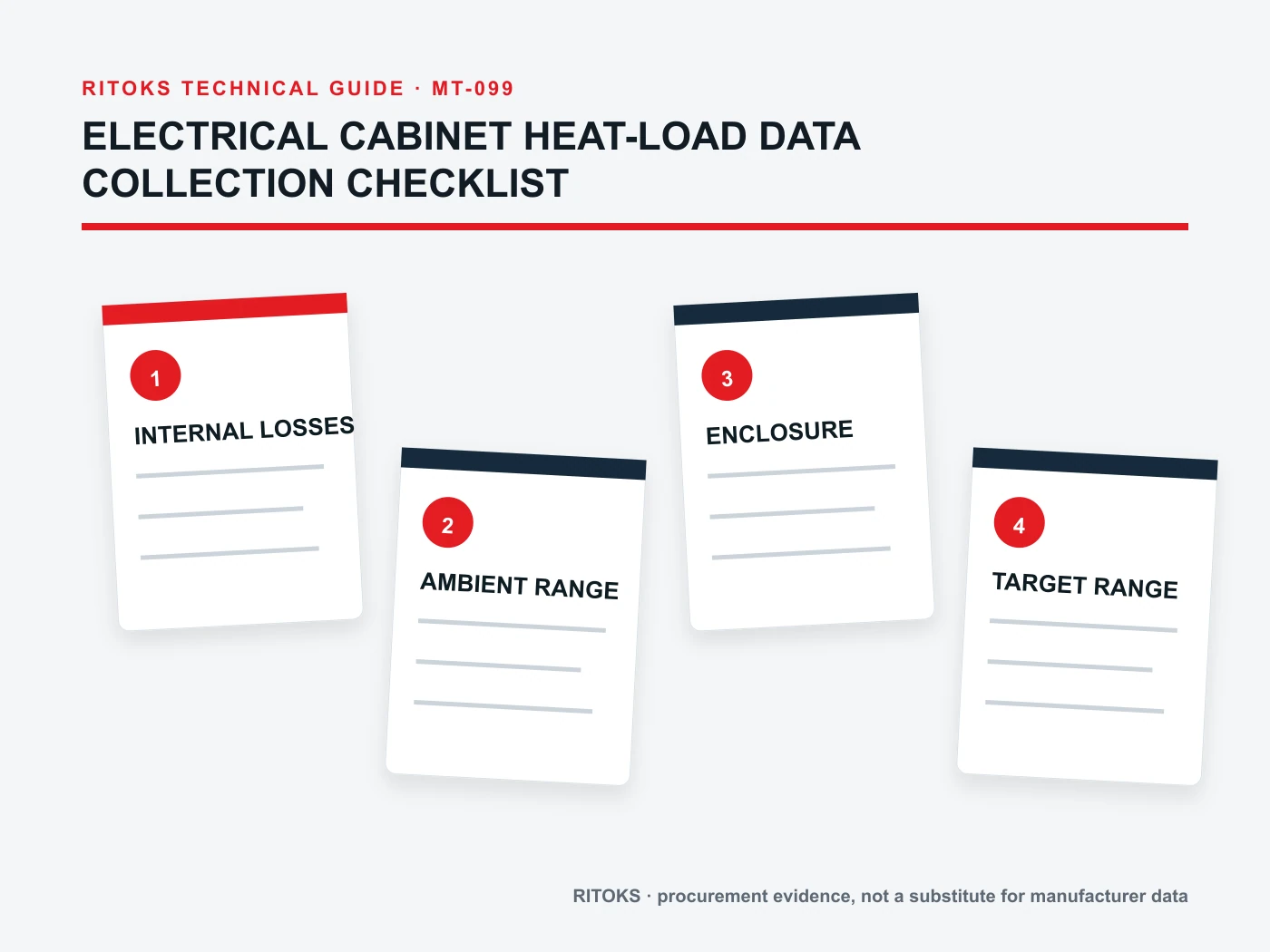
Collect the loss contribution of each installed component, the operating cases in which those losses occur, the permitted internal temperature for the most sensitive equipment, and the worst credible external conditions. Record enclosure dimensions, material, mounting, exposure, openings and air path. Separate measured values, supplier declarations and engineering estimates so uncertain inputs remain visible.
| Input group | What to collect | Where it comes from |
|---|---|---|
| Internal equipment | Exact device, quantity, loss and duty case | Datasheet, loss calculation or test |
| 온도 한계 | Applicable internal or inlet limit | Exact component instructions |
| External environment | Ambient range, sun, nearby heat and humidity | Site specification or survey |
| 첨부 파일 | Size, material, finish, placement and openings | Cabinet drawing and installation plan |
| 공기 흐름 경로 | Ventilation, filters, obstructions and maintenance | Layout and operating plan |
Inventory Every Material Heat Source
List power supplies, drives, transformers, semiconductor modules, breakers, contactors, relays, resistors and other equipment that dissipates heat in the enclosure. Record exact model, quantity and location. For each device, obtain loss data under the duty it will actually see. A nominal input rating is not a loss figure, and multiplying the count of devices by an arbitrary allowance hides the governing sources.
Include equipment mounted on the enclosure wall or on a shared heatsink if its heat enters cabinet air. Conversely, document any device whose losses are rejected directly outside the cabinet so they are not double-counted. The thermal model should show where heat is released, not merely which parts appear on the bill of materials.
Define Simultaneous Operating Cases
Not every component reaches peak loss at the same time. Describe normal operation, startup, maximum production duty, standby and abnormal-but-required operating states. Identify which devices are on together in each case. This can prevent both an undersized system based on an average condition and an oversized system based on impossible simultaneous maxima.
For cycling loads, include duration and repetition where they affect thermal response. A short peak and a continuous load may have different consequences even if their instantaneous losses match. Keep the duty information with the loss source so later process changes can be assessed without rebuilding the inventory from memory.
Identify the Limiting Component
The cabinet temperature target should follow the most restrictive installed component under its actual mounting and airflow conditions. Gather operating-temperature or inlet-air limits from exact manuals. A thermostat setting borrowed from another cabinet is not a substitute. Record whether a limit refers to ambient around a device, a heatsink location, an internal junction or another measurement point.
When several devices have different limits, locate them on the cabinet drawing. Local hot spots can matter even when average cabinet air appears acceptable. The data collection sheet should note sensor locations and whether any device requires a dedicated air path or separation from neighboring heat sources.
Record the External Temperature Range
Use the environment at the cabinet's installation position, not a generic regional weather figure. A cabinet beside hot process equipment, beneath a roof or inside a poorly ventilated room may face a higher local ambient. For outdoor installations, include relevant seasonal extremes and exposure conditions provided by the site team. Mark uncertainty rather than silently substituting a comfortable design day.
The external range affects both heat rejection and condensation risk. A method that works when outside air is cool may lose effectiveness when the ambient approaches or exceeds the internal target. The data set should support several operating cases instead of one single temperature that masks this transition.
Document Sun, Surface and Placement
Direct solar exposure can add heat to an outdoor cabinet. Record orientation, shade, color, surface finish, wall mounting and nearby structures. The relevant estimate belongs in the thermal model and should be based on the actual installation. A cooling unit selected for an indoor enclosure should not be assumed suitable outdoors because its nominal capacity looks adequate.
Note whether the cabinet is free-standing, recessed, against another surface or grouped closely with other enclosures. Such placement changes the available external heat-transfer area and airflow. Supply a drawing or site photograph as context, but retain measured dimensions and exposure notes as the reviewable inputs.
Describe Enclosure Construction
Record cabinet dimensions, material, wall thickness where relevant, door arrangement, internal partitions and insulation. Identify any intentional openings, seals, vents or cable entries. The construction influences heat gain and rejection, but the effect must be calculated for the actual geometry. Do not assume that two cabinets with the same volume have the same thermal behavior.
Protection against dust or water ingress can limit the use of open ventilation. Ask the enclosure owner to state the required environmental boundary before comparing fans with closed-loop equipment. A heat-load sheet that omits ingress requirements can point to a cooling method that the installation cannot accept.
Map Airflow and Obstructions
Mark existing and proposed intake, exhaust and internal circulation paths. Include filters, cable ducts, terminal rows, partitions and large equipment that could block flow. A fan's catalog airflow is not the flow delivered through a real cabinet. The thermal designer needs an installed-path estimate or test basis, especially when filters or grilles are involved.
Identify hot-air recirculation and whether one device discharges into another's inlet. If the cabinet is sealed, document how heat leaves the enclosure shell or passes to a closed-loop exchanger. The path is a physical design choice, not a number that can be added after a cooling unit is purchased.
Keep Heating and Condensation Separate
Cold and humid conditions may require anti-condensation heating even when high-temperature operation calls for cooling. Collect the humidity range, temperature swings, equipment standby pattern and condensation risk as a separate requirement. A heater is not a replacement for cooling capacity, and a cooling device is not automatically a complete condensation-control strategy.
If a heater is considered, ask for its control logic, placement and power source. The JRQ enclosure-heater family is a product-discovery example; its use and exact output must be verified against the chosen model and cabinet conditions.
Separate Cooling Options from Input Collection
Once the heat load and environment are documented, the designer can compare ventilation, passive heat transfer, a heat exchanger and active air conditioning where relevant. These methods handle cabinet air and external environment differently. Selecting a method first can bias the data sheet toward the equipment already preferred, obscuring conditions that disqualify it.
그 thermal-management category, FD filter-fan family 그리고 EP-A indoor enclosure air-conditioner family show possible equipment types. Category and family pages do not establish project suitability or capacity for an unknown cabinet.
What to Request from Suppliers
Send a consistent heat-load and environment sheet to every supplier. Ask each to state the exact proposed order code, rated conditions, installation arrangement, controls, maintenance requirements and assumptions. If a supplier needs a loss value or site condition that is unavailable, mark the proposal provisional. Do not let an unverified placeholder become a final capacity claim.
Compare solutions at the same internal target, external condition and duty case. A nominal cooling-capacity figure from one test condition should not be compared directly with another figure at a different ambient. Keep the manufacturer's capacity curve or selection output for the quoted equipment beside the project inputs.
Maintain the Record after Changes
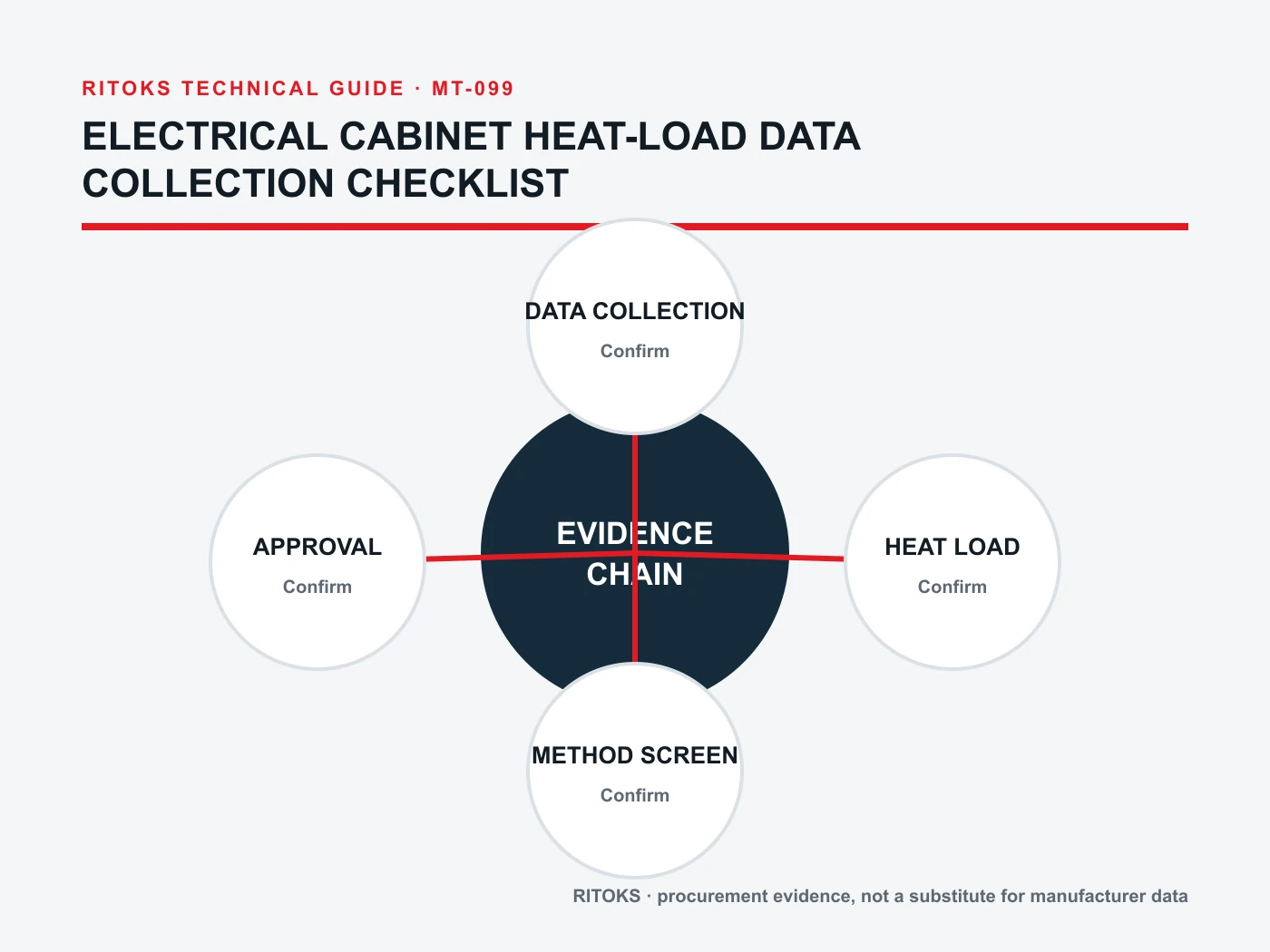
A new drive, power supply, transformer or operating cycle can change cabinet heat load. So can a relocation from shade to sun or a filter design change. Give the heat-load sheet a revision and tie it to the enclosure drawing. When the project changes, update the affected loss and environment inputs before confirming the original cooling solution remains valid.
During commissioning, measure internal and external conditions under documented load. Use those results to test the model assumptions and identify hot spots, recirculation or unexpected duty. A measurement without its location, load and ambient context cannot prove that the design works across the required operating range.
Checklist Before Selection
- Is every material internal heat source identified by exact model, loss basis and duty case?
- Are simultaneous operating cases documented?
- Which component sets the limiting internal or inlet temperature?
- What external ambient, sun, humidity and placement conditions apply?
- How does heat leave the actual enclosure, including filters and obstructions?
- Which inputs are measured, calculated or still provisional?
Use the completed data sheet when requesting a candidate through the RITOKS 문의 페이지. The supplier can then answer a defined cabinet problem rather than infer a cooling capacity from an enclosure photograph.