
Thermal Management · Technical Explainer
Thermal Management for Outdoor Electrical Cabinets
Thermal Management for Outdoor Electrical Cabinets starts with the system question: Which solar, ambient, ingress and duty conditions change the approach? A useful selection brief connects the equipment duty, installation and receiving system to a specific orderable product. The article below separates project inputs from product evidence so that a familiar product name does not quietly become a technical approval.
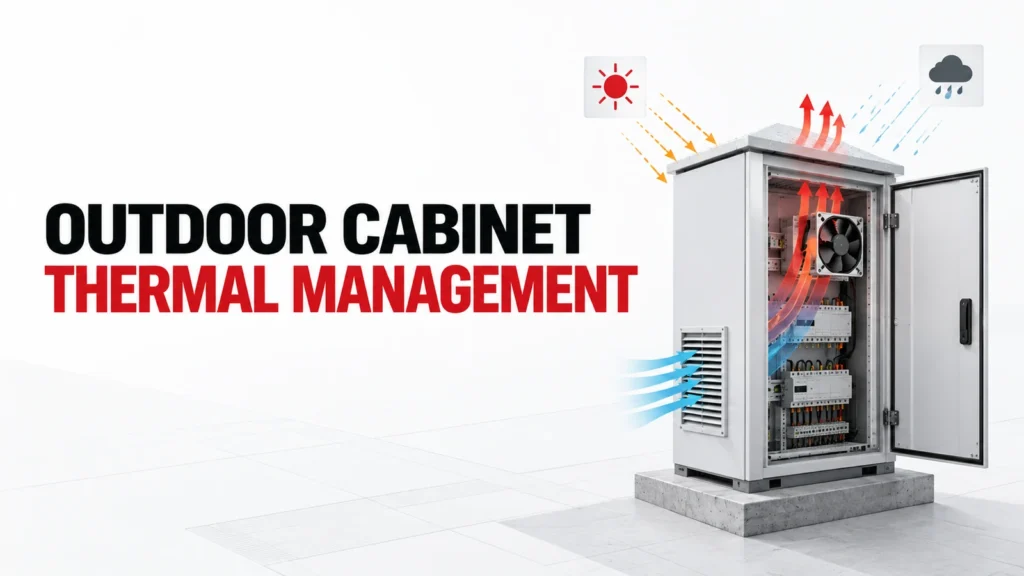
This guide defines outdoor cabinet thermal inputs and solution roles. It does not claim that an indoor-rated air conditioner, fan or heater is suitable outdoors; suitability must be established for the exact product and assembled enclosure.
Decision Inputs at a Glance
| Review area | Project input | Evidence to request |
|---|---|---|
| SOLAR GAIN | Define actual operating state and system boundary | Approved system drawing or duty record |
| DEVICE LOSSES | Name interface, geometry or control expectation | Exact equipment or product document |
| AMBIENT | State environment and installation condition | Site or panel drawing |
| DUTY | Describe service and acceptance requirement | Exact instructions and test plan |
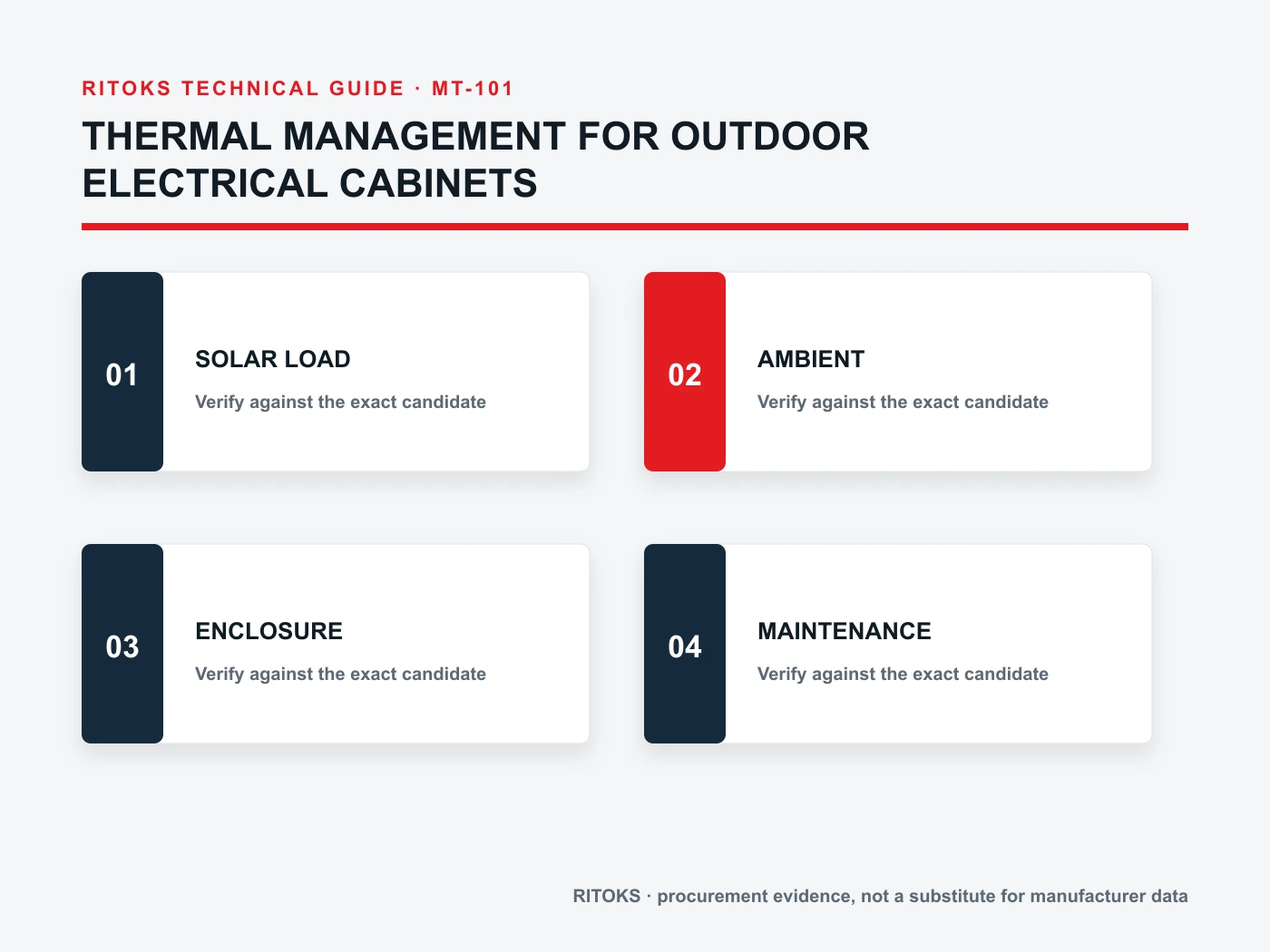
Outdoor exposure changes the problem
An outdoor electrical cabinet sees the heat produced by its own equipment and the conditions surrounding the enclosure. Sunlight, ambient temperature, wind, rain, dust and duty cycle can change across the day and season. A cooling method selected from an indoor cabinet example may not address these combined conditions.
The first deliverable is a site and equipment profile, not a model number. Record cabinet location, orientation, shade, material, dimensions, internal losses and acceptable component temperatures. Identify the limiting operating state so the selected approach is evaluated against a real case rather than a comfortable average.
Account for solar and external heat
Solar gain can warm a cabinet wall and raise the thermal burden, particularly when exposed surfaces and internal components are close. The effect depends on orientation, color, shading and local weather. Request a project-specific assumption or measurement rather than applying a universal percentage to every enclosure.
Nearby process equipment, ground surfaces and trapped air can also affect local ambient. Record the temperature at the cabinet installation, not only a regional weather headline. If the cabinet will be relocated or installed in multiple climates, define a separate design envelope for each case.
Map internal losses and operating states
Create a heat-load list for drives, power supplies, contactors, communication devices and other installed equipment using applicable exact data. Include continuous and intermittent duty, standby states and any future equipment that is actually committed to the design. A device’s electrical input is not necessarily its heat loss inside the cabinet.
Place major heat sources on the layout. Component separation, airflow path and sensors influence local hot spots even when the total loss is unchanged. Where supplier loss data is missing, mark the estimate as provisional and identify the test or document needed to close it.
Choose between exchange and isolation of air
Filtered ventilation exchanges internal and outside air. It may be suitable only when external air conditions and ingress needs allow it, and when the achievable temperature condition meets component limits. A heat exchanger or air conditioner can maintain a more controlled boundary, but each has its own ambient, mounting, drainage, power and maintenance requirements.
Do not treat a cabinet fan as a universal outdoor solution or an air conditioner as an automatic answer. Compare the selected method with dust, water, corrosive exposure and the enclosure’s required protective function. Verify the rating of the assembled installation, including penetrations and accessories.
Separate overheating from condensation control
An enclosure can have a moisture problem when surfaces cool below the relevant dew point, even if it does not overheat. A heater may support condensation control in defined conditions, but it adds heat and requires controls. A cooling device may also have condensate behavior that must be handled. The two objectives should be written separately.
Record humidity conditions, off-cycle periods, ventilation openings and drain strategy. Ask which device handles each operating state and how sensors are placed. Do not infer that a product labeled “heater” or “cooler” solves both problems without a complete control and environmental design.
Check product location and assembly rating
An indoor air conditioner is not made outdoor-suitable by mounting it on an outdoor cabinet. Require the exact device environmental rating, installation orientation, sealing instructions and exposure limits. The same review applies to fans, filters, heaters, thermostats, cable entries and doors.
The enclosure’s protective function belongs to the assembled result. Cutting an opening, adding a cooling unit or changing a gasket can alter that result. Preserve the approved cutout drawing and mounting instructions, then inspect the built cabinet for the same arrangement.
Plan maintenance in the real location
Outdoor cabinets may be remote, elevated or difficult to service. Define filter cleaning, fan replacement, condensate management, sensor checks and access clearance before the equipment is ordered. A method that works in a laboratory but cannot be maintained at the site may not be the right choice.
Where cooling depends on power or moving parts, define alarm and failure response. The project should identify which electrical loads remain active, what the controller does and how the operator learns of a fault. Record the selected behavior in commissioning tests.
Build an Exact-Model Evidence File
For the proposed Enclosure Cooling Strategy, create one approval record with the complete order code, the exact datasheet, the relevant drawing, installation instructions and any curve or test report used for the decision. Date each file or record its revision. A product-family page is useful for discovery, but it does not prove that a particular configuration includes an optional feature or meets a system condition.
Compare every requirement against evidence for the same orderable item. Do not combine a family maximum from one variant with a circuit diagram, accessory list or thermal curve from another. Put unresolved fields in a visible clarification column. If a supplier proposes a substitute, repeat the affected review before approving its technical equivalence.
Keep Project Inputs Separate From Supplier Claims
The project team owns the application record: source and load, operating states, environment, mounting, controls, service and acceptance criteria. The supplier owns the proposed order code and supporting device evidence. Neither side should fill a gap by inference from appearance or a familiar family name. A useful answer can be “data not yet available,” provided that the missing item has an owner and a closure date.
Freeze that record while offers are compared. If the operating duty, cabinet, source, meter, motor or protective architecture changes, issue a revised input sheet and ask each supplier to reconfirm its candidate. This prevents an early quotation from being treated as approval for a later design.
How to Compare Supplier Offers
| Offer item | What to compare | Approval evidence |
|---|---|---|
| Orderable scope | Full code and included accessories | Exact quotation and bill of materials |
| Electrical fit | All applicable operating states | Exact rating, circuit or curve document |
| Mechanical fit | Mounting, terminals and access | Drawing and installation instructions |
| Service plan | Inspection and replacement method | Maintenance instructions |
| Open items | Assumptions, exclusions and exceptions | Written clarification register |
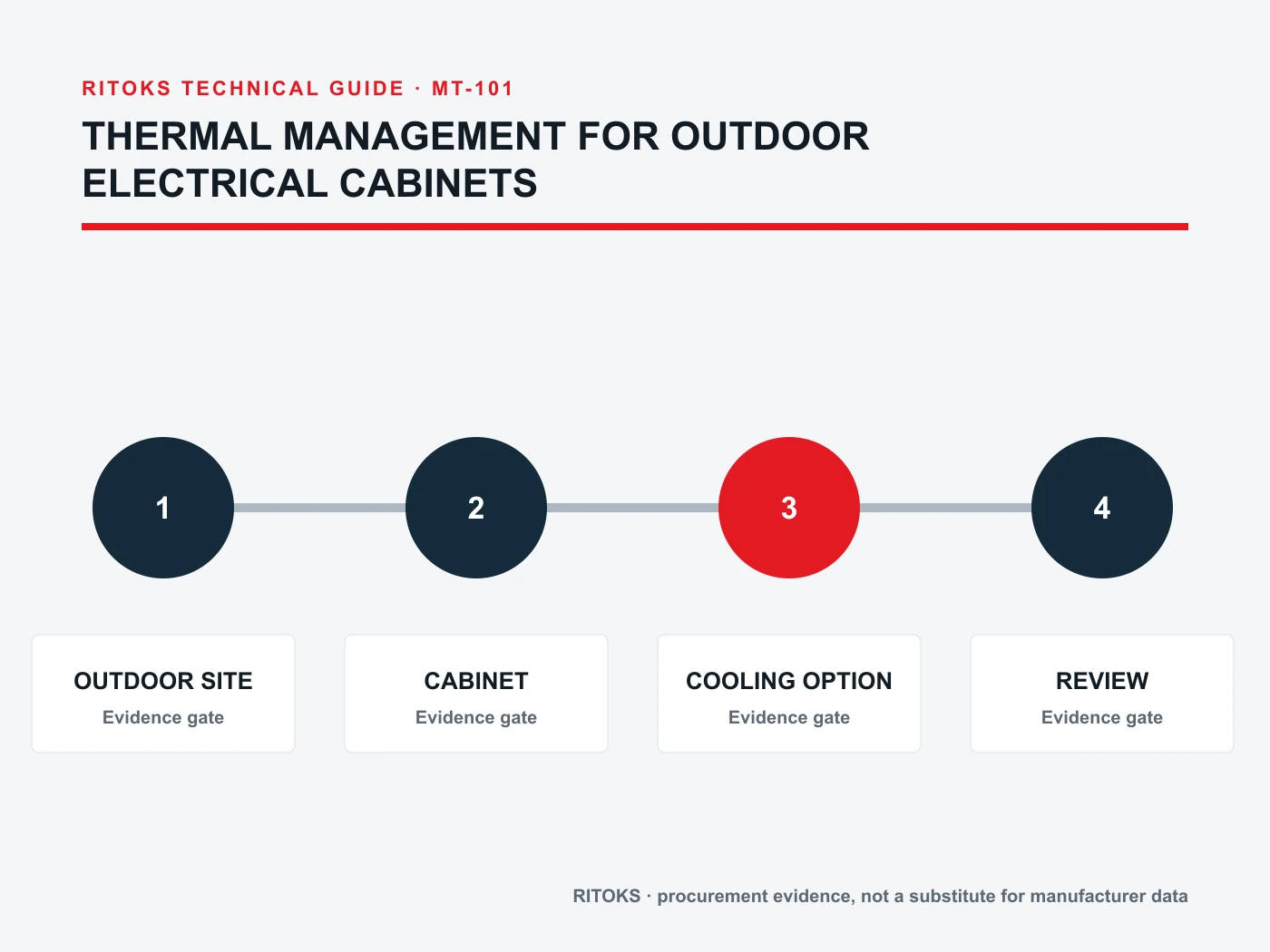
Normalize each Enclosure Cooling Strategy offer to the same application record. A shorter lead time or lower price is meaningful only after the technical scope is comparable. Record whether each supplier included the required accessories, documents and support for commissioning. Keep exceptions explicit, especially when the candidate needs a change to the panel or control design.
Procurement and Commissioning Checkpoints
- Confirm the system boundary, operating states and acceptance criteria.
- Review one complete order code against exact-model documents.
- Resolve electrical, mechanical, environmental and service exceptions.
- Compare delivered scope and document revisions across offers.
- Inspect the received item against the approved record.
- Test the finished assembly under the project’s authorized procedure.
Incoming inspection should check the delivered label, terminals, included accessories and documents against the approved order. A same-family replacement is not automatically acceptable. At commissioning, verify the application-dependent functions that component literature alone cannot establish. The test plan should name representative states and acceptance criteria without inventing universal limits.
RFQ Preparation Checklist
A useful request for quotation on thermal management for outdoor cabinets is concise but complete. Ask for the exact orderable configuration and list unknown values as questions. Do not let the sales description silently answer a technical question that belongs to a calculation, a drawing or a test.
- SOLAR GAIN
- DEVICE LOSSES
- AMBIENT
- DUTY
- INGRESS
- CONDENSATION
- COOLING
- SERVICE
- Applicable document revisions
- Quantity, destination and delivery scope
Request that the supplier state exclusions, assumptions and optional items separately. Keep the technical clarification record with the quotation so procurement and engineering review the same scope. If a critical input is still missing, the candidate may remain commercially interesting, but its technical approval stays open.
Frequently Asked Questions
Can a Enclosure Cooling Strategy be chosen from one headline rating?
No. The application, exact configuration and relevant electrical, mechanical, thermal and environmental conditions must be reviewed together. A catalog title is a starting point for discovery, not a complete approval record.
Does a family page prove an exact connection or accessory?
No. Use the proposed order code and its current drawing, datasheet and installation instructions. Optional features or alternate terminal arrangements may differ within a family.
What if the supplier cannot provide one required value?
Mark the value unresolved, identify who will obtain it and pause the affected decision. Do not convert an assumption into a verified claim simply because a purchase date is approaching.
Where to Continue the Review
Browse the Enclosure Cooling Strategy category for the available product family, then review the related product page as a candidate starting point. These pages identify the commercial destination; the exact model documents decide application suitability. For a project-specific comparison, send the system inputs and open questions through the RITOKS inquiry page.
If another device or method appears more suitable after reviewing the evidence, revise the design brief before asking for a substitution. Keep the record tied to the final circuit and installation, not just to the product family that first attracted attention.