
캐비닛 냉각 팬 · 기술 해설
Cabinet Airflow Calculation Inputs: Heat Load, Temperature Rise and Restrictions
Cabinet airflow calculation inputs are often reduced to one fan capacity number. That misses the first engineering task: establish how much heat is produced, which ambient air is available and where that air can travel. A fan moves air through a real enclosure with filters, grilles and obstructions, so the useful result differs from an open-bench rating.
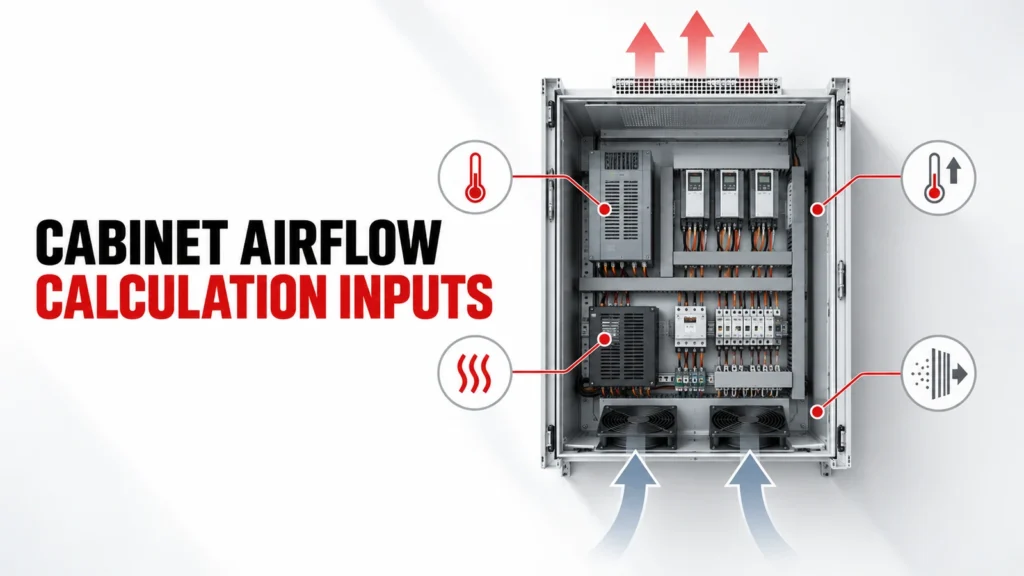
This guide identifies the evidence needed before estimating airflow and comparing fan candidates. It also shows when ventilation is the wrong cooling architecture, such as when ambient air or contamination conditions prevent the intended heat removal.
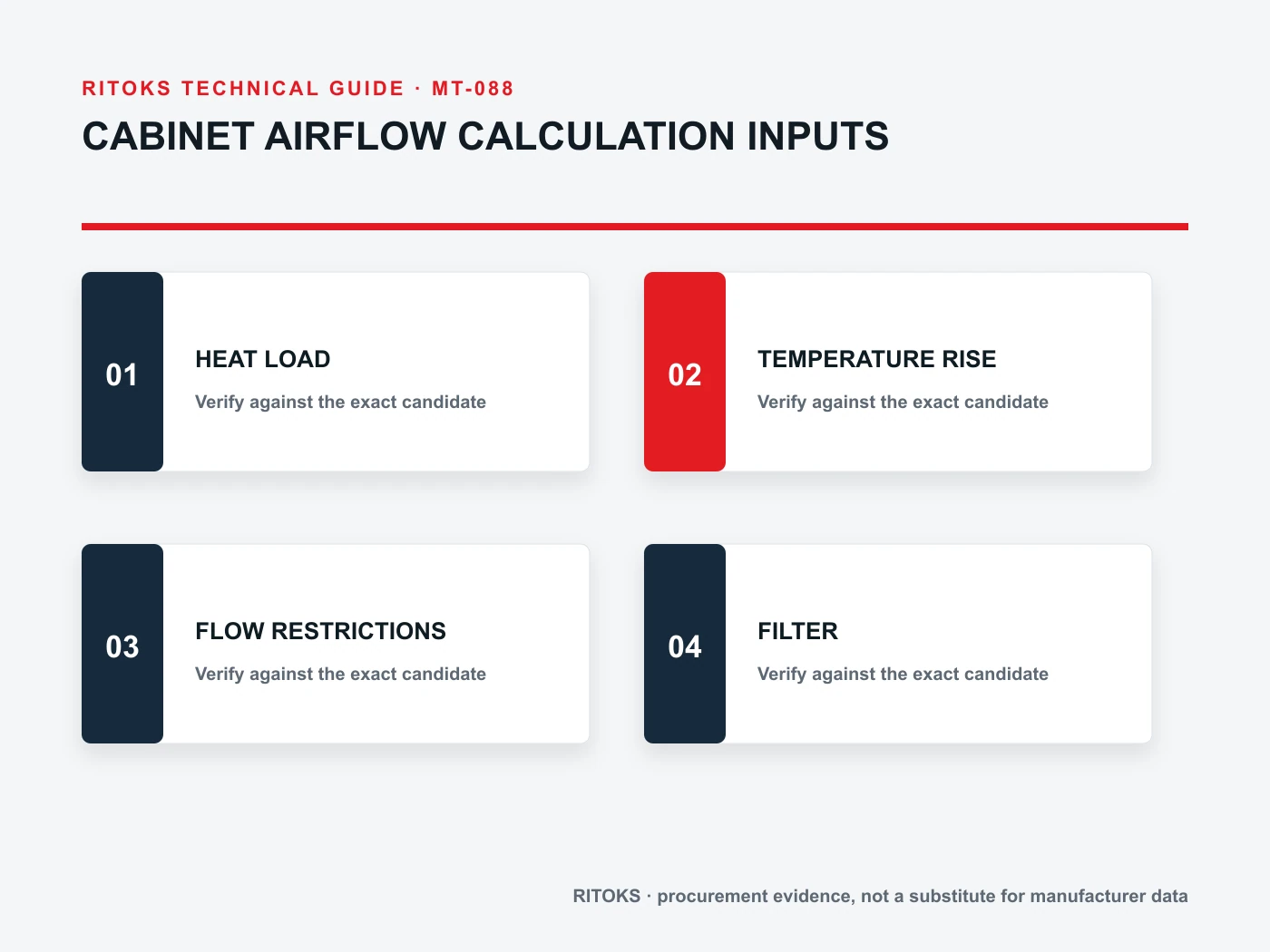
의사결정 입력 요소 요약
| 검토 대상 영역 | 구매자가 기록하는 내용 | 요청할 증거 |
|---|---|---|
| 열 부하 | Losses by component and operating state | Equipment loss data and duty record |
| 환경 | Ambient range and contamination | Site conditions and enclosure objective |
| 공기 흐름 경로 | Inlet, outlet, filters, obstructions | Layout and cutout drawings |
| Fan operating point | Flow at actual pressure resistance | Exact-model fan curve and system estimate |
Inventory real heat sources
List the components that dissipate heat inside the enclosure: power devices, supplies, drives, transformers, control electronics and wiring where relevant. Use credible operating states, not only installed nameplate capacity. Some sources do not peak together, while others have short but significant duty periods.
Record the basis for every loss estimate and the load combinations the cabinet will actually see. Unknown heat inputs should remain open assumptions rather than disappearing into an arbitrary fan margin.
Define ambient and internal limits
Ventilation exchanges cabinet air with surrounding air. Document the ambient range at the actual installation, including solar exposure or nearby hot equipment where relevant, and define the acceptable internal condition for the most sensitive installed component.
The air entering the enclosure cannot be cooler than the surrounding source without an active cooling method. If ambient approaches or exceeds the required internal limit, adding fan capacity alone may not solve the problem.
Draw the path from inlet to outlet
Show where air enters, how it crosses the heat sources and where it leaves. Separate a clear path from a short circuit in which fresh air exits before reaching the critical equipment. Wiring ducts, shelves and component placement can redirect flow.
A useful drawing marks inlet and outlet height, guards, filters, internal barriers and service doors. It lets the design team discuss hot spots and maintenance access before choosing a frame size.
Account for restriction, not only free air
Filters, louvers, grilles and narrow passages impose pressure resistance. A fan curve describes how available flow changes with pressure. Therefore a free-air figure is not the delivered airflow through a finished cabinet.
Ask for an exact-model performance curve and estimate the resistance of the assembled path. Revisit the estimate when filter media, outlet geometry or cabinet layout changes; otherwise the selected operating point may shift.
Consider filter condition over time
A clean filter is not the only operating condition. Dust loading changes resistance and service needs. Define the contamination expected at the site, an inspection method and the replacement element.
Do not invent a fixed maintenance interval from a product category name. The first inspection schedule should reflect actual exposure and be refined from recorded condition and temperature behavior.
Choose fan direction and control deliberately
Whether the fan supplies or extracts air influences pressure direction and leakage paths. The choice also affects where filtered air enters and how it reaches heat sources. Specify any thermostat, alarm or speed control requirement as a separate feature to verify.
Review the supply voltage, wiring and control sequence with the electrical designer. Avoid assuming that a fan family includes monitoring outputs or variable-speed control unless the exact order code confirms them.
Validate the finished cabinet
The estimate narrows candidates; the built cabinet provides the final evidence. Check representative duty states, ambient conditions when possible, internal temperature locations, flow obstructions and alarm behavior.
Document the installed fan, filter, cutouts, control settings and test conditions. If a hot spot remains, trace the airflow path and heat input before simply increasing nominal fan size.
정확한 모델 증거 파일 생성하기
A category or product-family page helps locate relevant options; it does not by itself approve one variant. For cabinet ventilation, keep the full proposed order code, current datasheet, terminal or mounting drawing, operating instructions and any project calculation together. Read the conditions attached to each rating or function. If the evidence belongs to a neighboring model, request the correct document instead of carrying the claim across.
프로젝트 팀은 시스템 입력 사항과 수용 기준을 책임집니다. 공급업체는 제안된 항목에 대한 증빙 자료를 책임집니다. 기술 검토 시, 각 필수 요구 사항 옆에 해당 요구 사항을 충족하는 정확한 문서와 개정판을 명시하십시오. 누락된 항목은 ‘미해결’, ‘조건부’ 또는 ‘지원 불가’로 표시하십시오. 이를 통해 추적 가능한 의사결정이 이루어지며, 유리한 표면상의 수치가 호환되지 않는 연결 또는 설치 조건을 가려버리는 것을 방지할 수 있습니다.
모든 제안 비교하기
| 항목 | 비교 결과 기록 | 이유 |
|---|---|---|
| 주문 가능한 상품 | 전체 코드, 변형 모델 및 포함된 액세서리 | 가족 단위의 추정을 방지합니다 |
| 응용 프로그램 일치 | 각 프로젝트 제안에 대한 서면 답변 | 예외를 계속 표시합니다 |
| 문서 | 데이터시트, 도면, 사용 설명서 및 개정 내역 | 제공된 상품에 대한 권리 주장 |
| 논의 사항 | 소유자 및 명확한 확인이 필요한 기한 | 묵인하는 것을 방지한다 |
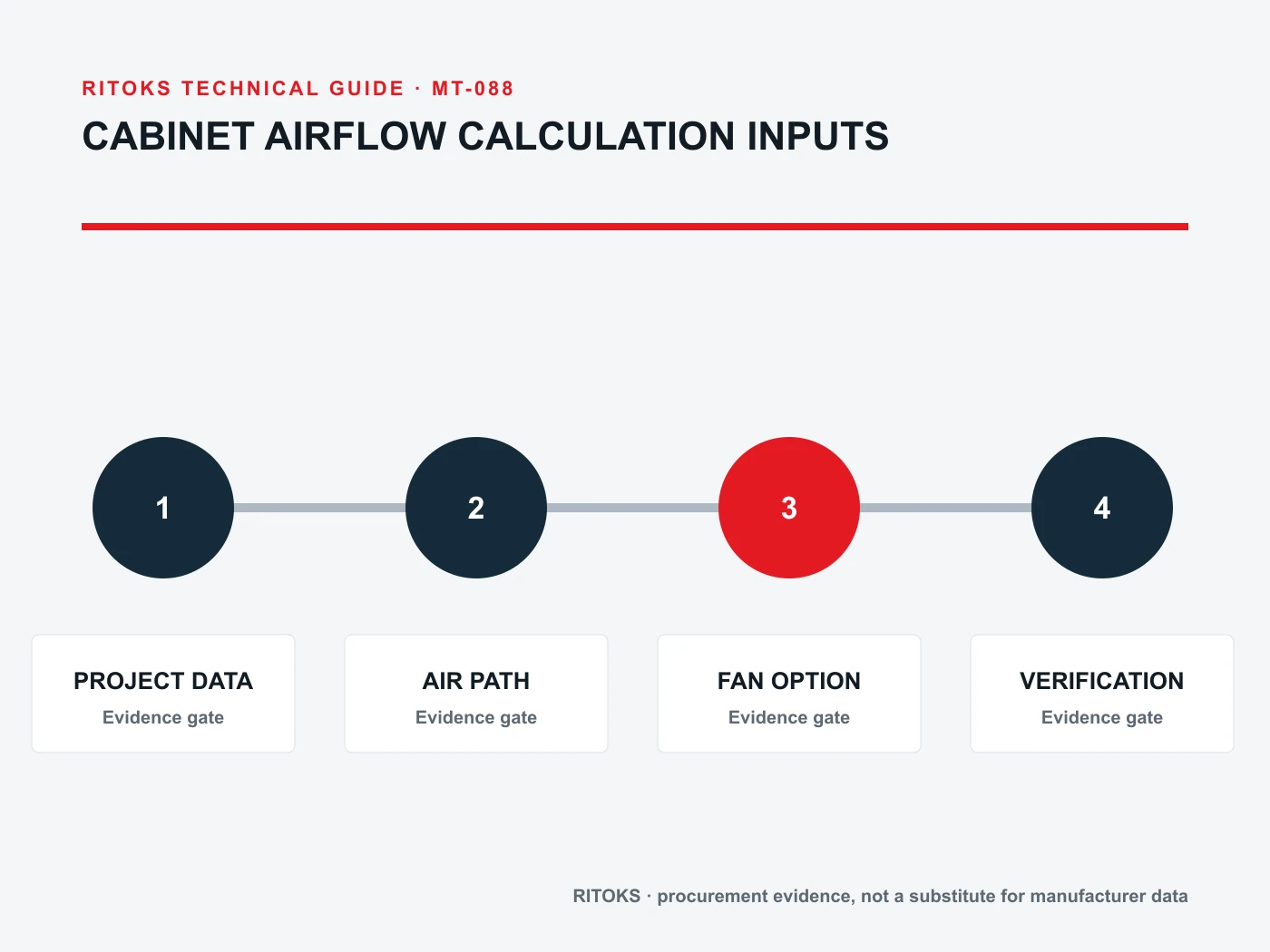
모든 견적서에는 동일한 프로젝트 개요를 사용하십시오. 기술적 범위가 표준화되면 가격 및 리드 타임과 같은 상업적 조건을 비교할 수 있습니다. 누락된 부속품, 지원되지 않는 정격 또는 해결되지 않은 배선 가정을 문서화된 제안서와 동등하게 취급해서는 안 됩니다. 대안이 제안된 경우, 어떤 입력 사항이 변경되는지 확인하고, 이에 따라 영향을 받는 검토 과정을 다시 수행하십시오.
설치 및 인수 검토
설치 전에, 납품된 라벨, 전체 코드 및 부속품이 승인된 기록과 일치하는지 확인하십시오. 단자, 장착 방식, 도체 접속부 및 명시된 방향 등을 정확한 지침과 대조하여 확인하십시오. 외관상 승인된 버전과 유사해 보이는 제품이라도 전기적 구성, 제어 옵션 또는 시험 기준이 다를 수 있습니다.
프로젝트의 실제 위험 요소를 다루는 준공 검사 계획을 수립하십시오. 여기에는 승인된 도면에 따른 배선 상태 확인, 기능적 반응 테스트, 대표적인 작동 조건 하에서의 측정, 그리고 모든 통신 및 경보 기능의 확인이 포함될 수 있습니다. 상태와 결과를 기록하십시오. 인수 계획은 일반적인 항목별 체크리스트가 아닌, 해당 애플리케이션 및 공급업체가 제시한 증거 자료를 바탕으로 수립되어야 합니다.
견적 요청 체크리스트
- Identify the circuit, equipment and location that cabinet ventilation must serve.
- 해당 애플리케이션을 정의하는 시스템 도면과 작동 상태를 첨부하십시오.
- Record heat sources and its source document.
- Record ambient range and its source document.
- Record target condition and its source document.
- Record duty cycle and its source document.
- Confirm the exact-model evidence for inlet filter.
- Confirm the exact-model evidence for flow path.
- Confirm the exact-model evidence for system resistance.
- Confirm the exact-model evidence for hot spots.
- 전체 주문 코드, 부속품, 도면 및 데이터시트의 개정 버전을 요청해 주십시오.
- 제외 사항, 가정, 대체 사항 및 해결되지 않은 기술적 사항에 대해 문의하십시오.
견적 요청서(RFQ)는 공급업체가 누락된 프로젝트 값을 임의로 추정하지 않고도 답변할 수 있을 만큼 구체적이어야 합니다. 필수적인 입력값이 아직 확정되지 않은 경우, 이를 ‘질문’으로 표기하고 누가 이를 결정할지 명시하십시오. 가정을 평가 기준, 준수 주장 또는 승인된 설치 방법으로 삼아서는 안 됩니다.
결정을 좌우하는 요인
A decision can change when the source arrangement, load behavior, environment, installation geometry or required function changes. Revisit the selected cabinet ventilation whenever one of those inputs moves outside the approved brief. Recheck the order code and the exact evidence affected by the change; do not rely on a previous approval for a circuit that now asks the component to do different work.
프로젝트 개요, 공급업체의 답변 및 승인된 예외 사항 목록에 대한 간략한 수정 이력을 보관하십시오. 이 기록은 엔지니어링, 구매 및 시운전 부서가 동일한 버전을 기준으로 작업하는 데 도움이 됩니다. 특히 견적이 수정되거나 대체품이 제안되거나, 첫 번째 비교 이후 패널 설계가 변경될 때 유용합니다.
승인 전에 해결해야 할 사항
Ask who owns each remaining technical question for the proposed cabinet ventilation. The buyer should confirm the system inputs and installation constraints; the supplier should confirm the exact item, included options and applicable documentation. Put the answer and document revision beside the question. An unanswered point should remain visible in the comparison rather than being converted into an assumed feature.
견적서에 대안이 제시된 경우, 변경된 회로, 장착 방식 또는 성능 기준에 대한 서면 설명을 요청하십시오. 새로운 도면이 있으면 프로젝트 엔지니어와 함께 검토하고, 제안된 변경 사항이 수용 가능한지 여부를 기록해 두십시오. 대체품은 상업적으로 동등해 보일지라도 새로운 기술적 결정에 해당합니다. 여러 공급업체가 서로 다른 사양에 대해 유사한 제품군 명칭을 사용하는 경우, 이는 특히 중요합니다.
자주 묻는 질문
Can a free-air rating be used as cabinet airflow?
No. The installed filter and cabinet path create resistance, so review the exact fan curve and system operating point.
Will a larger fan always lower cabinet temperature?
Not necessarily. Ambient conditions, heat load and whether air reaches hot components determine the result.
When should I consider closed-loop cooling?
Review another method when outdoor air cannot meet the target condition or must be kept out of the enclosure.
관련 RITOKS 페이지
제품군 관련 내용은 다음을 참조하십시오. 인클로저 및 열 관리. 이와 관련된 게시된 제품 페이지에는 다음이 포함됩니다. Fd Cabinet Filter Fan Electrical Enclosures, Industrial Ac Axial Cooling Fan 60 250mm, 12038 Ac Axial Cooling Fan 110v 220v 380v. 제안된 품목을 비교할 때는 해당 품목의 최신 정확한 모델 사양서를 사용하십시오.
특정 용도에 대한 견적을 원하시면, 프로젝트 개요를 RITOKS에 보내주세요 위의 도표와 미해결 질문들을 바탕으로.