
Cabinet Cooling Fans · Technical Explainer
Cabinet Airflow Calculation Inputs: Heat Load, Temperature Rise and Restrictions
Cabinet airflow calculation inputs are often reduced to one fan capacity number. That misses the first engineering task: establish how much heat is produced, which ambient air is available and where that air can travel. A fan moves air through a real enclosure with filters, grilles and obstructions, so the useful result differs from an open-bench rating.
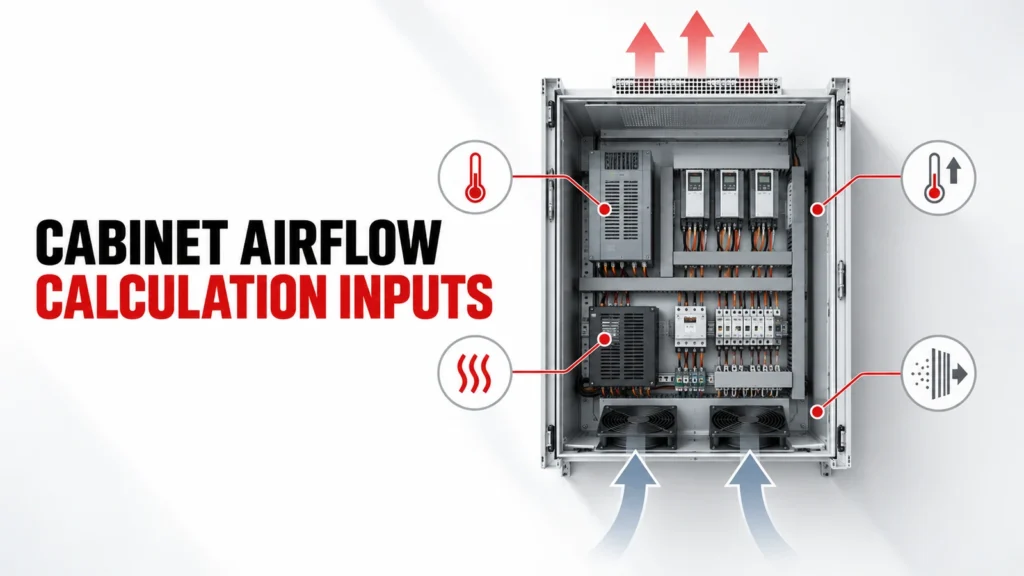
This guide identifies the evidence needed before estimating airflow and comparing fan candidates. It also shows when ventilation is the wrong cooling architecture, such as when ambient air or contamination conditions prevent the intended heat removal.
Decision Inputs at a Glance
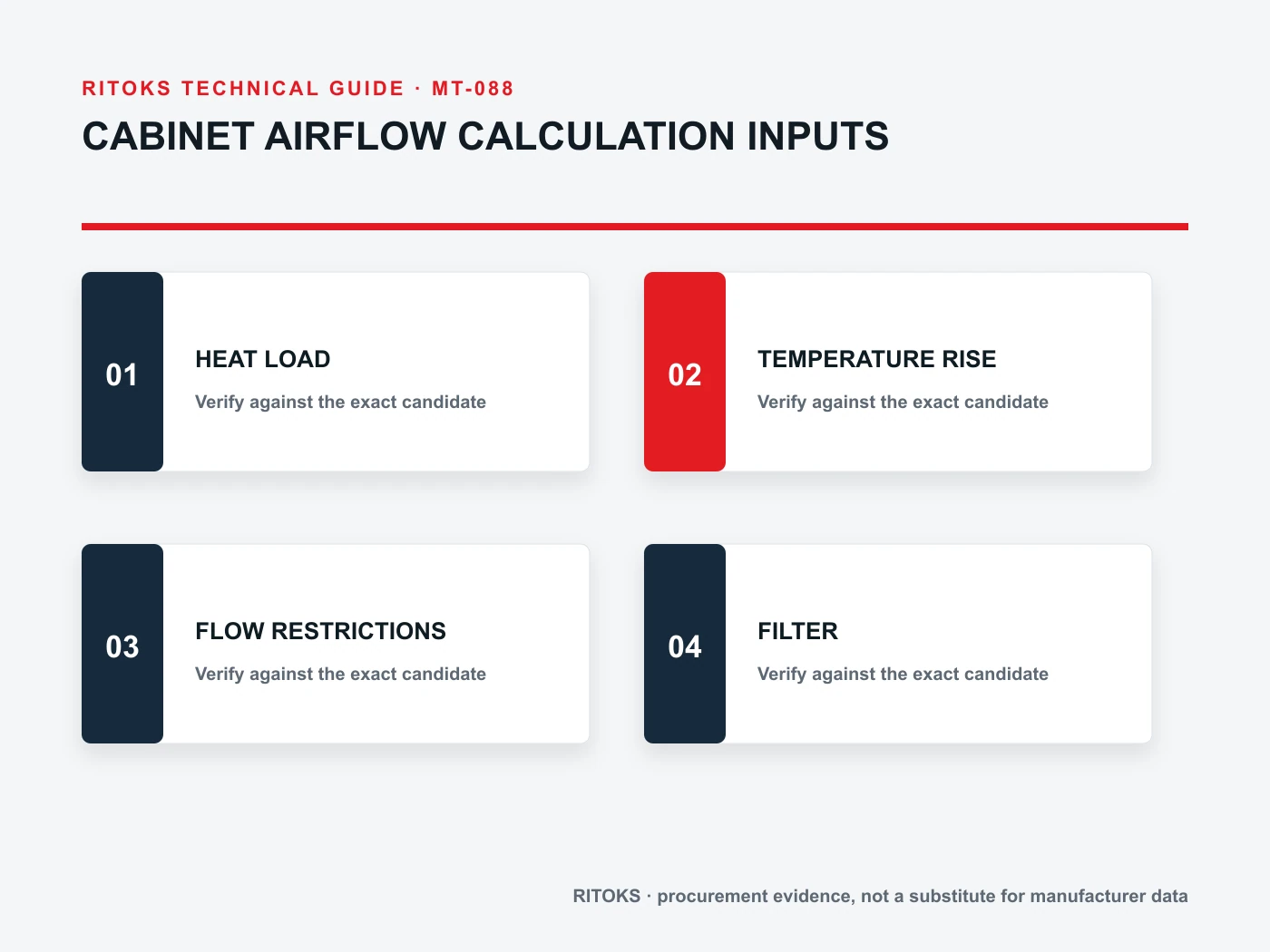
| Review area | What the buyer records | Evidence to request |
|---|---|---|
| Heat load | Losses by component and operating state | Equipment loss data and duty record |
| Environment | Ambient range and contamination | Site conditions and enclosure objective |
| Air path | Inlet, outlet, filters, obstructions | Layout and cutout drawings |
| Fan operating point | Flow at actual pressure resistance | Exact-model fan curve and system estimate |
Inventory real heat sources
List the components that dissipate heat inside the enclosure: power devices, supplies, drives, transformers, control electronics and wiring where relevant. Use credible operating states, not only installed nameplate capacity. Some sources do not peak together, while others have short but significant duty periods.
Record the basis for every loss estimate and the load combinations the cabinet will actually see. Unknown heat inputs should remain open assumptions rather than disappearing into an arbitrary fan margin.
Define ambient and internal limits
Ventilation exchanges cabinet air with surrounding air. Document the ambient range at the actual installation, including solar exposure or nearby hot equipment where relevant, and define the acceptable internal condition for the most sensitive installed component.
The air entering the enclosure cannot be cooler than the surrounding source without an active cooling method. If ambient approaches or exceeds the required internal limit, adding fan capacity alone may not solve the problem.
Draw the path from inlet to outlet
Show where air enters, how it crosses the heat sources and where it leaves. Separate a clear path from a short circuit in which fresh air exits before reaching the critical equipment. Wiring ducts, shelves and component placement can redirect flow.
A useful drawing marks inlet and outlet height, guards, filters, internal barriers and service doors. It lets the design team discuss hot spots and maintenance access before choosing a frame size.
Account for restriction, not only free air
Filters, louvers, grilles and narrow passages impose pressure resistance. A fan curve describes how available flow changes with pressure. Therefore a free-air figure is not the delivered airflow through a finished cabinet.
Ask for an exact-model performance curve and estimate the resistance of the assembled path. Revisit the estimate when filter media, outlet geometry or cabinet layout changes; otherwise the selected operating point may shift.
Consider filter condition over time
A clean filter is not the only operating condition. Dust loading changes resistance and service needs. Define the contamination expected at the site, an inspection method and the replacement element.
Do not invent a fixed maintenance interval from a product category name. The first inspection schedule should reflect actual exposure and be refined from recorded condition and temperature behavior.
Choose fan direction and control deliberately
Whether the fan supplies or extracts air influences pressure direction and leakage paths. The choice also affects where filtered air enters and how it reaches heat sources. Specify any thermostat, alarm or speed control requirement as a separate feature to verify.
Review the supply voltage, wiring and control sequence with the electrical designer. Avoid assuming that a fan family includes monitoring outputs or variable-speed control unless the exact order code confirms them.
Validate the finished cabinet
The estimate narrows candidates; the built cabinet provides the final evidence. Check representative duty states, ambient conditions when possible, internal temperature locations, flow obstructions and alarm behavior.
Document the installed fan, filter, cutouts, control settings and test conditions. If a hot spot remains, trace the airflow path and heat input before simply increasing nominal fan size.
Build an Exact-Model Evidence File
A category or product-family page helps locate relevant options; it does not by itself approve one variant. For cabinet ventilation, keep the full proposed order code, current datasheet, terminal or mounting drawing, operating instructions and any project calculation together. Read the conditions attached to each rating or function. If the evidence belongs to a neighboring model, request the correct document instead of carrying the claim across.
The project team owns the system inputs and acceptance criteria. The supplier owns the evidence for the offered item. In the technical review, place each mandatory requirement beside the exact document and revision that answers it. Mark a missing field as open, conditional or unsupported. This creates a traceable decision and prevents a favorable headline value from hiding an incompatible connection or installation condition.
Compare Complete Offers
| Item | Record in the comparison | Reason |
|---|---|---|
| Orderable item | Full code, variant and included accessories | Prevents family-level assumptions |
| Application match | Written response to each project input | Keeps exceptions visible |
| Documentation | Datasheet, drawing, instructions and revisions | Links claims to the offered item |
| Open points | Owner and due date for clarification | Avoids silent acceptance |
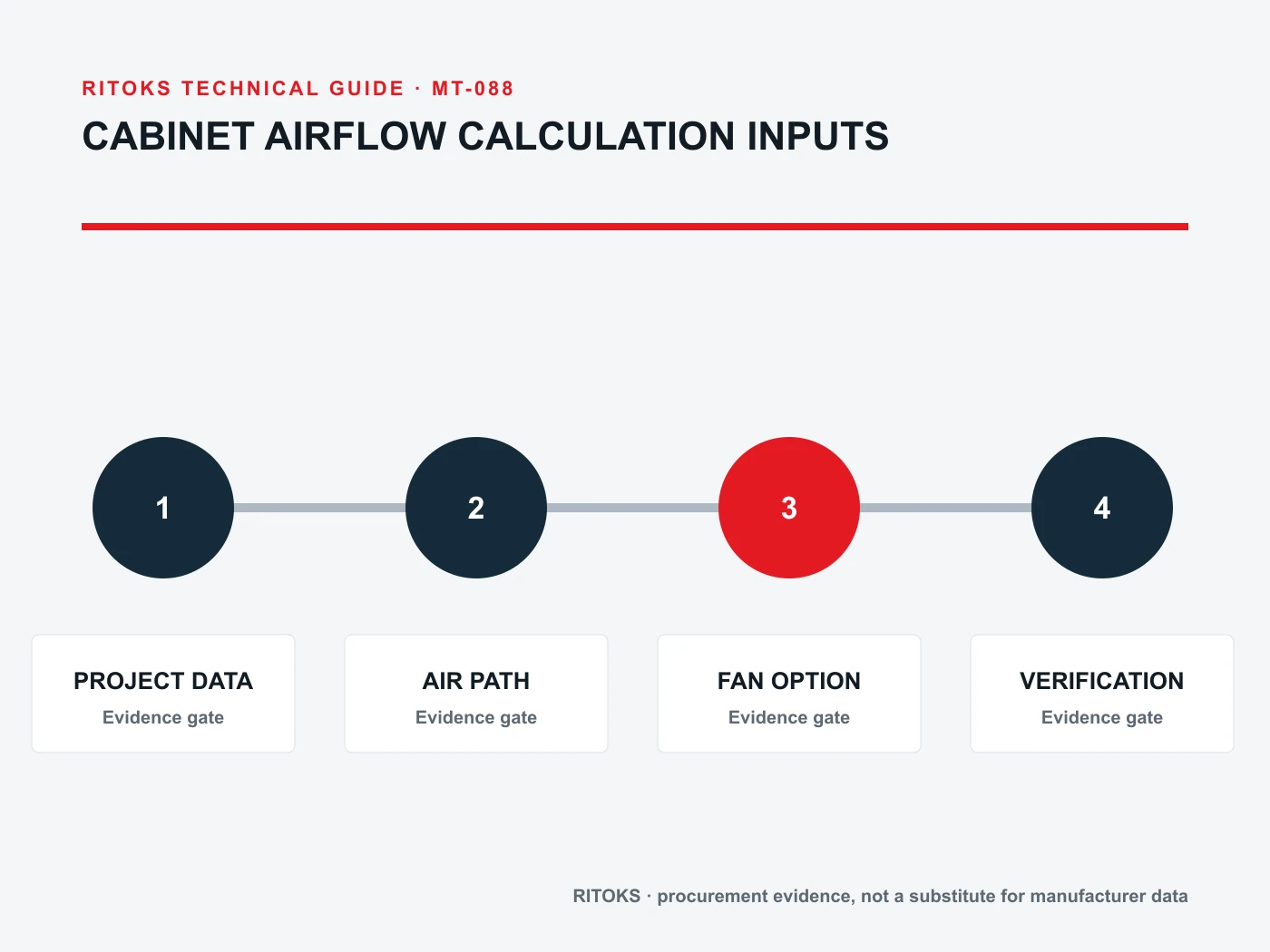
Use the same project brief for every quotation. Commercial terms such as price and lead time can be compared once the technical scope is normalized. Do not treat omitted accessories, unsupported ratings or an unresolved wiring assumption as equivalent to a documented offer. If an alternative is proposed, ask which inputs change and repeat the affected review.
Review Installation and Acceptance
Before installation, confirm that the delivered label, complete code and accessories match the approved record. Compare terminals, mounting, conductor access and any stated orientation with the exact instructions. A product that appears physically similar to the approved version may still have a different electrical configuration, control option or test basis.
Plan an as-built check that addresses the project's real risks. This may involve wiring against the approved diagram, functional response, measurements under representative operating states and confirmation of any communication or alarm feature. Record the conditions and results. The acceptance plan should come from the application and supplier evidence, not from a generic article checklist.
Request for Quotation Checklist
- Identify the circuit, equipment and location that cabinet ventilation must serve.
- Attach the system drawing and operating states that define the application.
- Record heat sources and its source document.
- Record ambient range and its source document.
- Record target condition and its source document.
- Record duty cycle and its source document.
- Confirm the exact-model evidence for inlet filter.
- Confirm the exact-model evidence for flow path.
- Confirm the exact-model evidence for system resistance.
- Confirm the exact-model evidence for hot spots.
- Request the full order code, accessories, drawings and data-sheet revision.
- Ask for exclusions, assumptions, substitutes and unresolved engineering points.
The RFQ should be specific enough for a supplier to answer without inventing missing project values. If an essential input is not yet known, label it as a question and identify who will determine it. Do not turn an assumption into a rating, a compliance claim or an approved installation method.
What Changes the Decision
A decision can change when the source arrangement, load behavior, environment, installation geometry or required function changes. Revisit the selected cabinet ventilation whenever one of those inputs moves outside the approved brief. Recheck the order code and the exact evidence affected by the change; do not rely on a previous approval for a circuit that now asks the component to do different work.
Keep a short revision history of the project brief, supplier response and accepted exception list. This record helps engineering, purchasing and commissioning work from the same version. It is especially useful when a quotation is revised, a substitute is offered or the panel design changes after the first comparison.
Questions to Resolve Before Approval
Ask who owns each remaining technical question for the proposed cabinet ventilation. The buyer should confirm the system inputs and installation constraints; the supplier should confirm the exact item, included options and applicable documentation. Put the answer and document revision beside the question. An unanswered point should remain visible in the comparison rather than being converted into an assumed feature.
When a quotation offers an alternative, ask for a written explanation of the changed circuit, mounting or performance basis. Review any new drawing with the project engineer and record whether the proposed change is acceptable. A substitution is a new technical decision even if it appears commercially equivalent. This is especially important when multiple suppliers use similar family labels for different configurations.
Frequently Asked Questions
Can a free-air rating be used as cabinet airflow?
No. The installed filter and cabinet path create resistance, so review the exact fan curve and system operating point.
Will a larger fan always lower cabinet temperature?
Not necessarily. Ambient conditions, heat load and whether air reaches hot components determine the result.
When should I consider closed-loop cooling?
Review another method when outdoor air cannot meet the target condition or must be kept out of the enclosure.
Relevant RITOKS Pages
For product-family context, see Enclosure & Thermal Management. The related published product pages include Fd Cabinet Filter Fan Electrical Enclosures, Industrial Ac Axial Cooling Fan 60 250mm, 12038 Ac Axial Cooling Fan 110v 220v 380v. Use their current exact-model documents when comparing a proposed item.
For an application-specific quotation, send the project brief to RITOKS with the diagrams and open questions above.